Set the ceiling.Let each client run its team inside it.
Define the maximum permissions for a client, invite and manage the users in that client context, and let roles do their job without widening the boundary. Warehance keeps the ceiling, the user list, and supported Client Mode views visible as separate controls.
Request a demo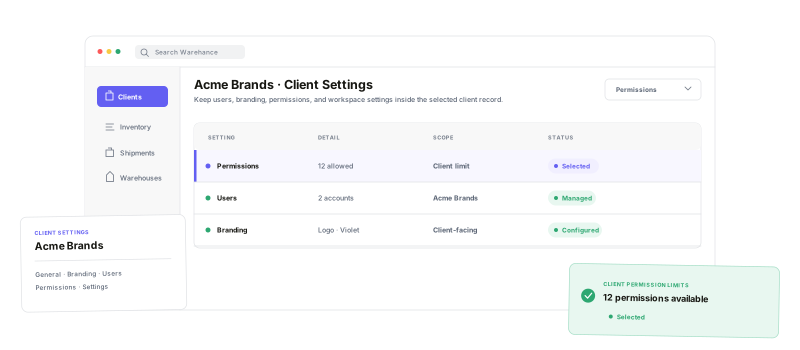
Make client access easier to reason about by separating the ceiling, the role model, the users, and the working context.
Permission ceiling
Set the maximum access available to every user under a client.
Grouped controls
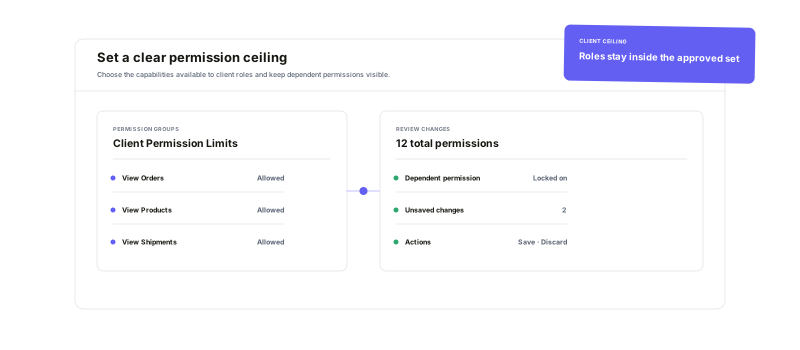
Toggle permission categories with dependent access kept coherent.
Scoped users
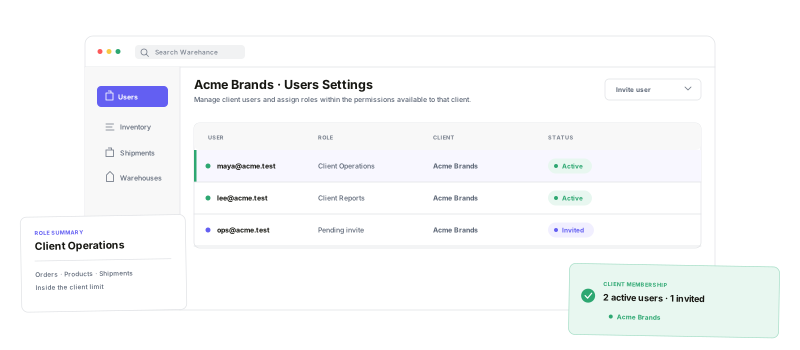
Invite and manage users from the selected client workspace.
Visible context
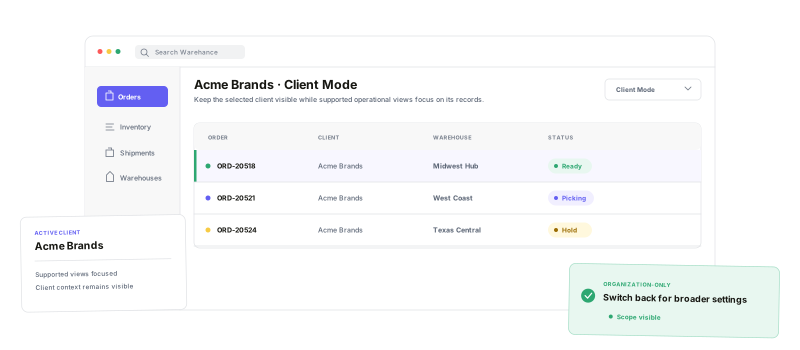
Keep the selected client visible in supported operational views.
Start with theclient ceiling.
Open a client, choose Permissions, and define the maximum access available to that client. The current editor groups permissions, shows dependencies, counts the selected set, and lets you save or discard the boundary as a deliberate change.
Give roles room to work—inside the boundary.
Roles are reusable collections of permissions, and a user's effective access combines the roles assigned to that user. The client ceiling stays the governing limit, so a focused client role can add useful access without turning into an organization-wide admin role.
Keep the working contextvisible at the edge.
Warehance stores an active client context and passes it into supported operational views such as orders and inventory, with Client Mode visible in the header. Treat that as a deliberate working context: organization-only pages still ask the operator to switch back.
Client permission questions
Give every client team the access it actually needs
Start running your warehouse operations with Warehance today and experience complete freedom to grow your business without compromise.
