See what is movingand what needs attention
Start with today's order, picking, shipping, return, and hold signals, then move into focused reports for fulfillment, labor, inventory, receiving, carriers, tracking, packaging, and exceptions. Filters and drill-downs keep a summary connected to the operational records behind it.
Request a demo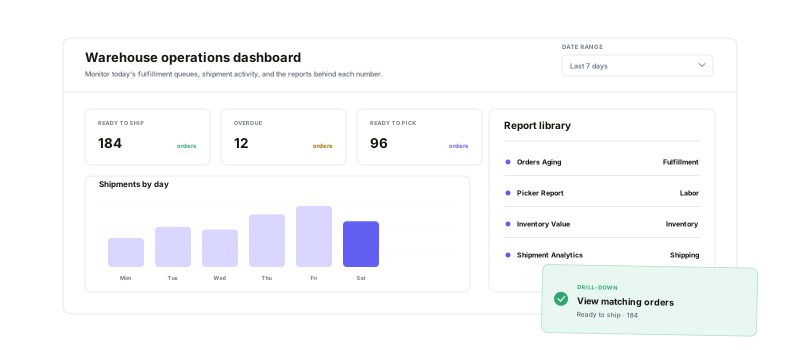
Use the daily dashboard for immediate priorities and the report library when the operation needs a deeper answer.
Live queue context
See today's ready, overdue, picking, shipping, return, and hold signals.
Operational report families
Cover fulfillment, labor, inventory, receiving, shipping, and exceptions.
Filters and drill-downs
Narrow the view, then open the orders or shipments behind a result.
Scheduled delivery
Run supported reports on a common or custom schedule for chosen recipients.
Connect queue pressureto the work on the floor
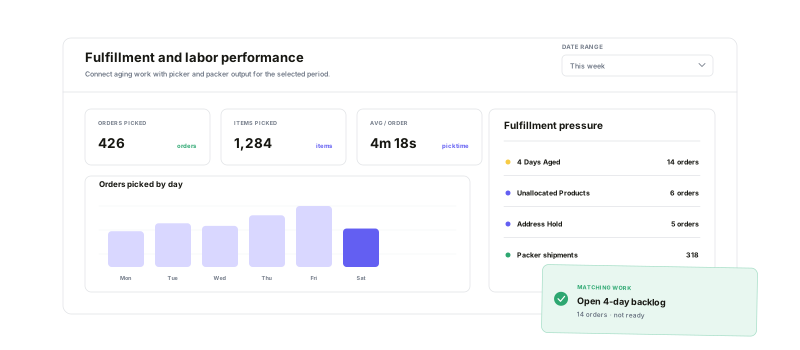
Use Orders Aging to separate time in queue from the issue holding an order back, then open the matching order set. Compare that demand with product-level pending fulfillment, picker throughput and time, and packer volume by fulfillment path so the team can see both the backlog and the work completing it.
Read demand, stock, and inboundin the context each decision needs
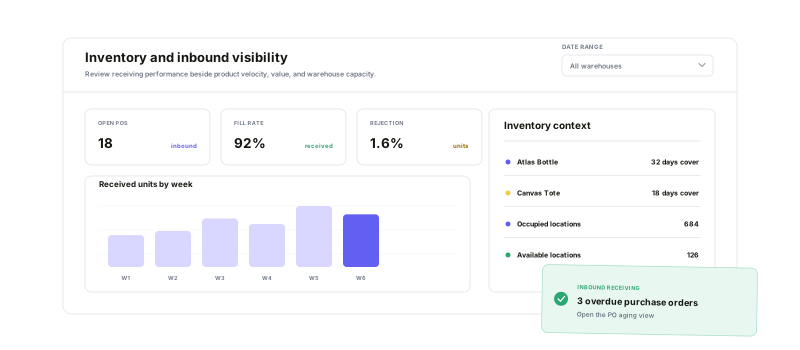
Compare product sales windows with On Hand, Available, Backordered, and On Order inventory. Review value and monthly snapshots, expiration and count discrepancies, and location utilization. For incoming stock, follow open and overdue purchase orders, receiving rates, vendor and warehouse performance, and the inventory-history records behind the totals.
Follow the shipment after the labeland isolate the exceptions
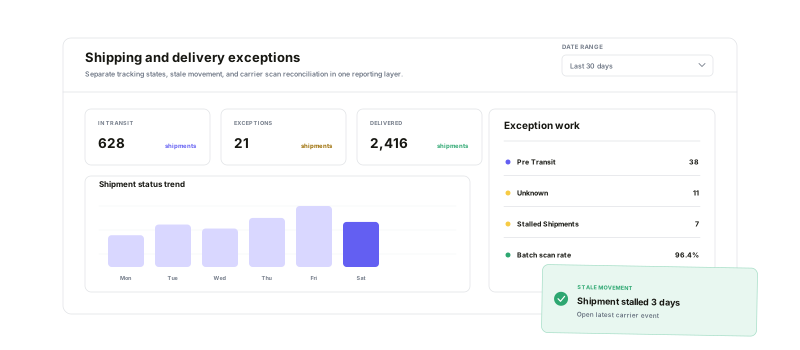
Measure shipment and item volume, carrier cost and speed, first-scan timing, tracking-state mix, packaging characteristics, and box use. When something stops moving, open the shipment set behind a tracking status, investigate stalled rows by age and latest event, or reconcile created labels against first carrier scans and deliveries.
Warehouse analytics questions
Turn warehouse activity into decisions your team can act on
Start running your warehouse operations with Warehance today and experience complete freedom to grow your business without compromise.
